Madden 27 · Online Franchise
How to Run an Online Franchise League
Eight steps for commissioners, from choosing settings to keeping 32 members checking in every week. Follow them in order and your league lasts the whole season.
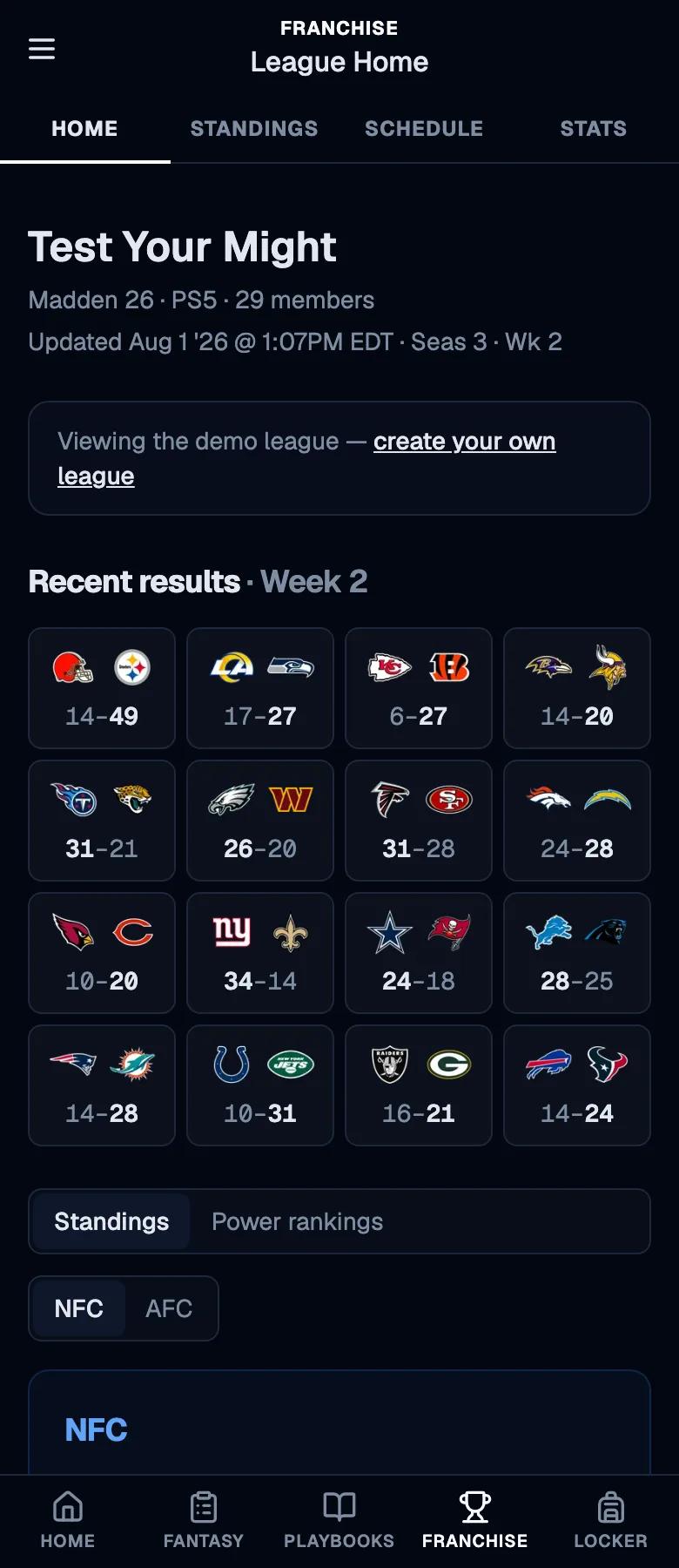
Your league’s home page, updated every export
Starting an online franchise is easy. Keeping one alive until the Super Bowl is not. Leagues fall apart when members lose interest, when trades feel unfair, or when the commissioner burns out doing everything by hand.
This guide covers the decisions to make before the first advance and the weekly routine after it. The Madden Tools franchise league tool handles the busywork: standings, stats, rosters, trades and rules in one place your members can check from their phones.
Decide what kind of league you are running
Sim league or head to head, casual or competitive: decide before you invite anyone.
Most leagues that fall apart do it because members wanted different things. Some want to play every game head to head, some want to sim and manage, some want strict realism and some want to have fun. None of those is wrong, but a league has to pick one.
Settle three things up front: whether games are played or simmed, how long members get to play each week before you advance, and how competitive the league is meant to be. Those three answers shape every setting and rule that follows.
Set up the Connected Franchise in Madden
Lock in skill level, quarter length, trade settings and injuries before the first advance.
Create the league in Madden’s Connected Franchise mode and choose settings that match step 1. The ones members argue about most are the skill level, quarter length, accelerated clock, injuries and trade settings, so decide them once and write them down.
Changing settings mid-season is the fastest way to lose members’ trust. If something has to change, announce it before the next advance, not after.
Write your league rules before anyone joins
Start from the template, edit it to fit your league, and point every new member at it.
Rules settle arguments before they start: what counts as a cheese play, how trades are approved, how many unplayed games get a member removed. Your league on Madden Tools has a rules page that every member can read, and you can start it from a six-section template instead of a blank page.
Edit the template to match your league, and hand the job to a co-commissioner if you want: rules editing is a permission you can grant. If your league uses Discord, members can pull the same rules up with the /rules command.
Create your league on Madden Tools
One purchase per league covers every member, whatever the size.
Create your league, then unlock it with one commissioner purchase for this Madden title. Members join free and there is no size limit: 8 members or 32, it is the same price, and your league’s history carries forward when you re-form next year.
Not sure yet? Browse the public demo league first. It is a real league with real standings, stats and trades, and it is the fastest way to see what your members will get.
Commissioner Hub
Your whole league on one screen
See which weeks exported cleanly, mint and revoke invite codes, manage suspensions and roles, and set your trade policy, all from the Commissioner Hub.
Create your league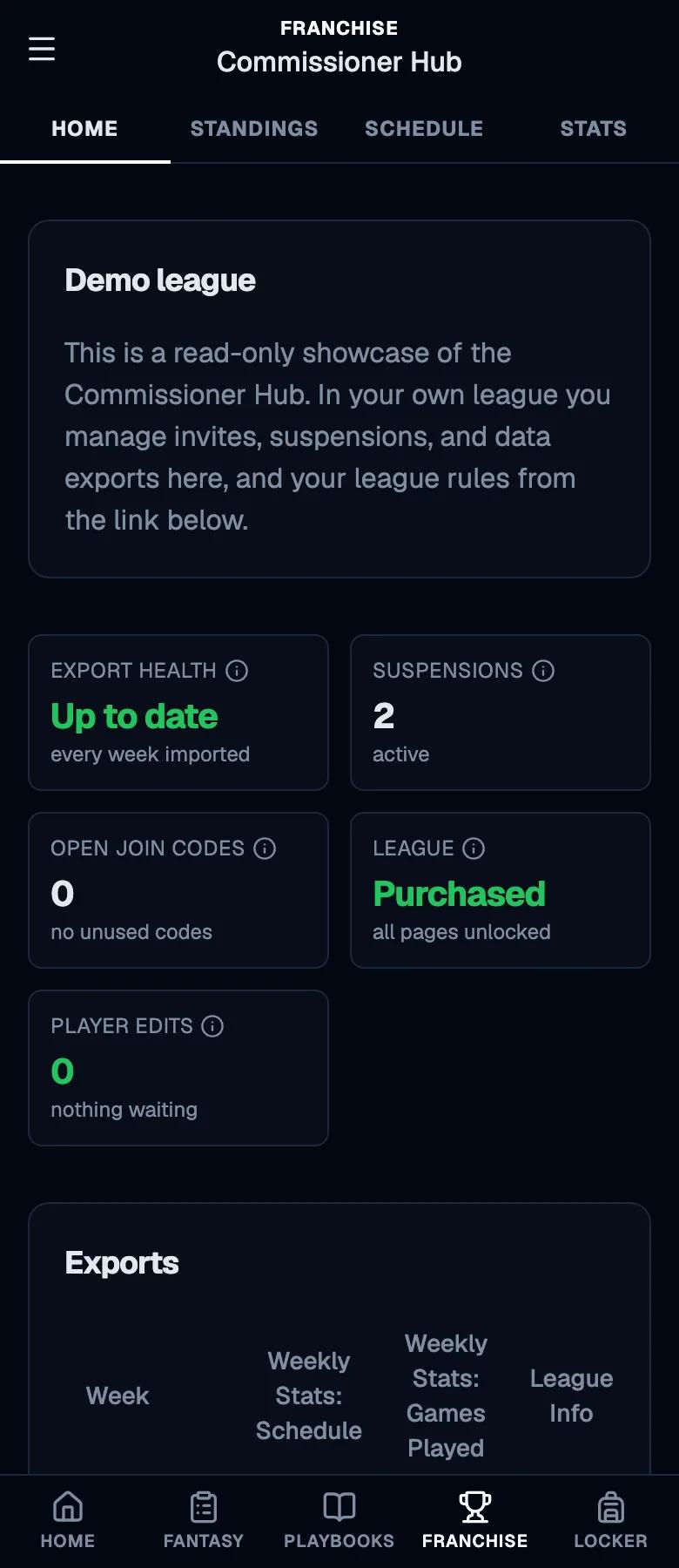
Connect your league’s exports
Link your EA account once, or point the Companion App at your league’s export URL. EA leagues export on their own after that; with the Companion App you export each week.
Madden Tools can pull your league straight from EA: link your EA account on the Export from EA card in your Commissioner Hub, and there is no app to install and no URL to paste. The Madden Companion App works too, sending to your league’s export URL from your phone. Either way, set it up once and every export after that updates your league, usually a minute or two after it finishes.
With Export from EA there is nothing to do each week: it exports after each advance and game, and Update league gives you one right now. With the Companion App, play or sim the week, run one export with Weekly Stats, League Info and Rosters checked, then advance. Box scores for a week only exist if you export after its games.
Invite your members
Share a join code, and mint a new one from your Commissioner Hub whenever you need it.
Members join with an invite code. You get one when you create the league, and the Commissioner Hub lets you mint new codes and revoke old ones at any time, so a leaked code is never a problem.
Once they join, members claim their team and get their own view of the league: their roster, their schedule, their stats. That is what keeps people checking in between advances.
Keep it fair without policing it by hand
Set a trade policy, and let edit alerts flag suspicious player changes for you.
Choose who can see pending trades and who approves them, so lopsided deals get a second look before they go through. Every export also compares player ratings against the last one and flags edits that normal progression cannot explain, so you can rule on them instead of hunting for them.
When a member does have to go, the Commissioner Hub separates a no-fault release from a suspension for cause, and keeps a log of every decision so your rulings stay consistent.
Power Rankings
Something to talk about every week
Power rankings, standings, league stats and the trade block update after every export, so each advance gives your members something new to argue about.
See the demo power rankings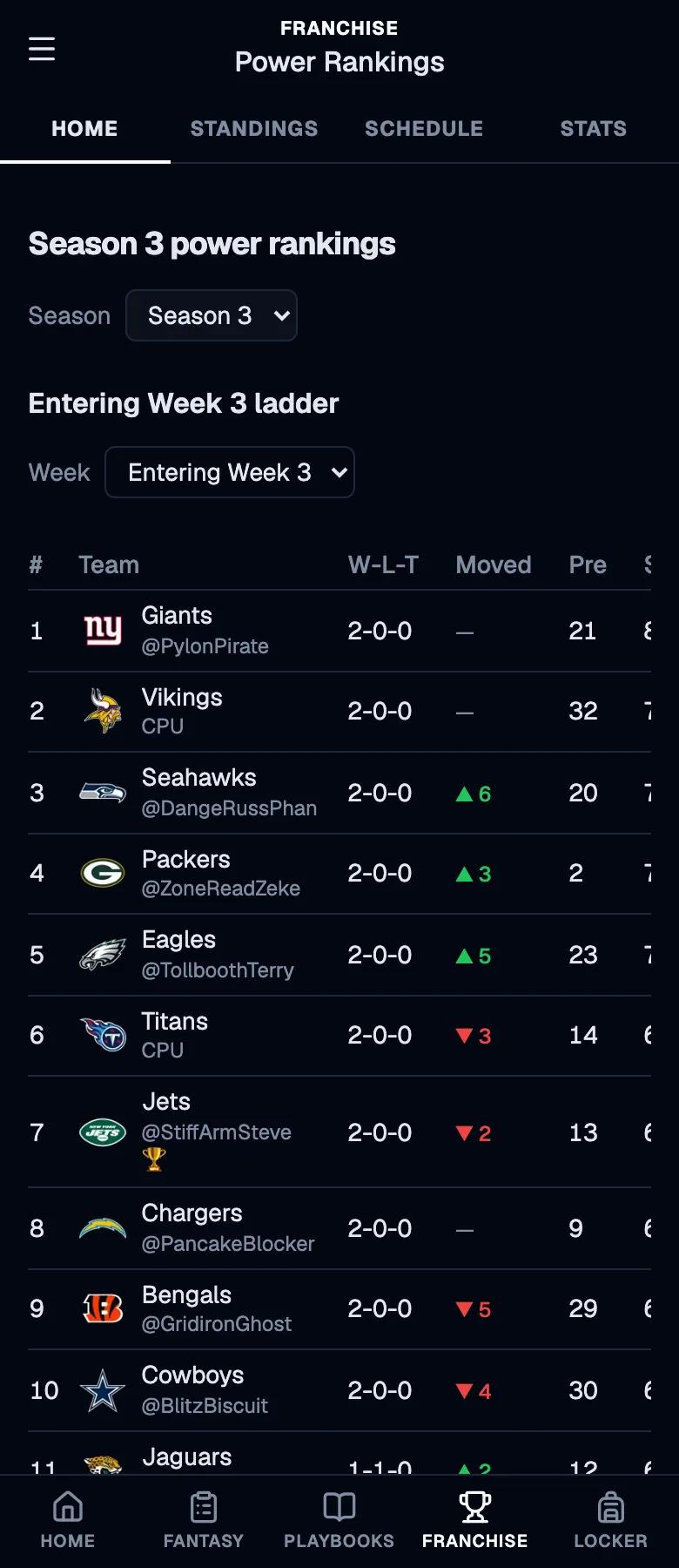
Give members a reason to check in every week
Standings, power rankings, stats and the trade block turn an advance into an event.
The leagues that last are the ones where something happens between games. Standings, weekly power rankings, league-wide stats and a trade block give members something to talk about, and a draft recap gives every rookie class its moment.
Share the power rankings after each advance, and members will start asking when the next one is coming.
Rebuilding a team?
Know your roster before week 1
Team Hub breaks down every NFL team’s cap, depth chart and roster needs, so every member can plan their franchise before the first advance.
Read the best teams to rebuild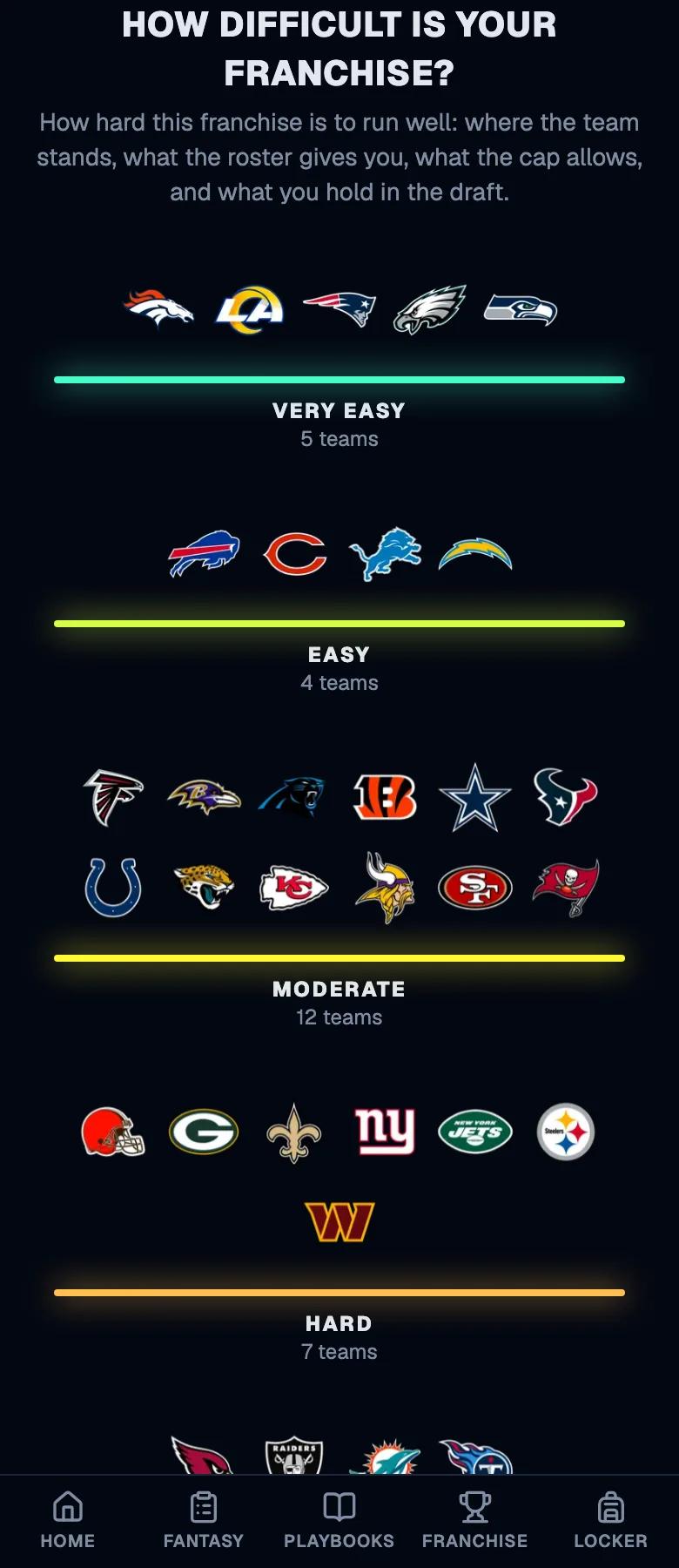
Ready to start your league?
One purchase per league covers every member for the whole Madden season. Browse the demo league first if you want to see it in action.